Shopify Integration
Wasal Delivery for Shopify
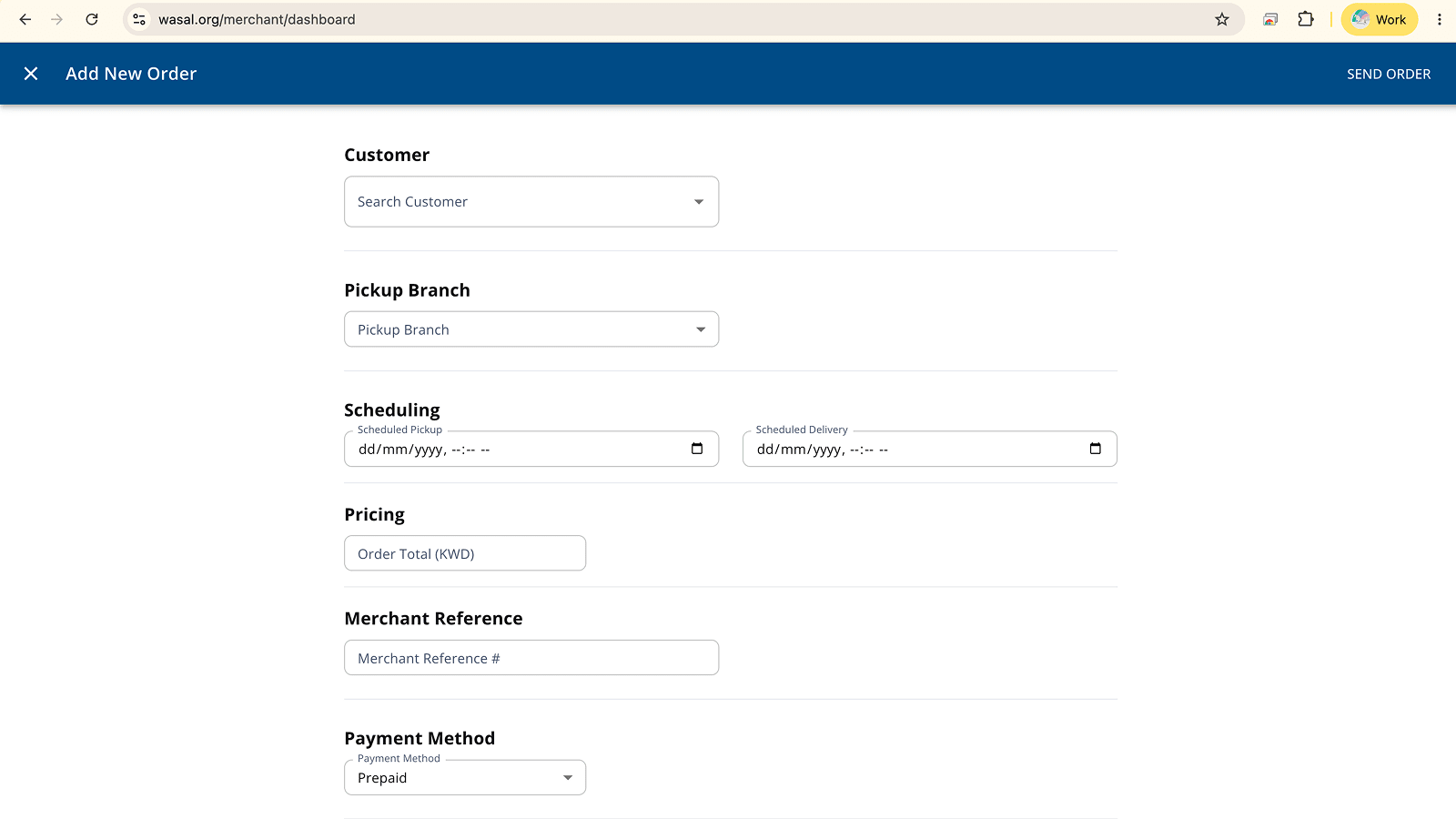
Automatically send new Shopify orders to Wasal for delivery across Kuwait.
Wasal delivery rates at checkout are available only on the Shopify Plus plan.

What the app does
- Automatically create Wasal delivery orders from new Shopify orders
- Show Wasal delivery rates at checkout on the Shopify Plus plan
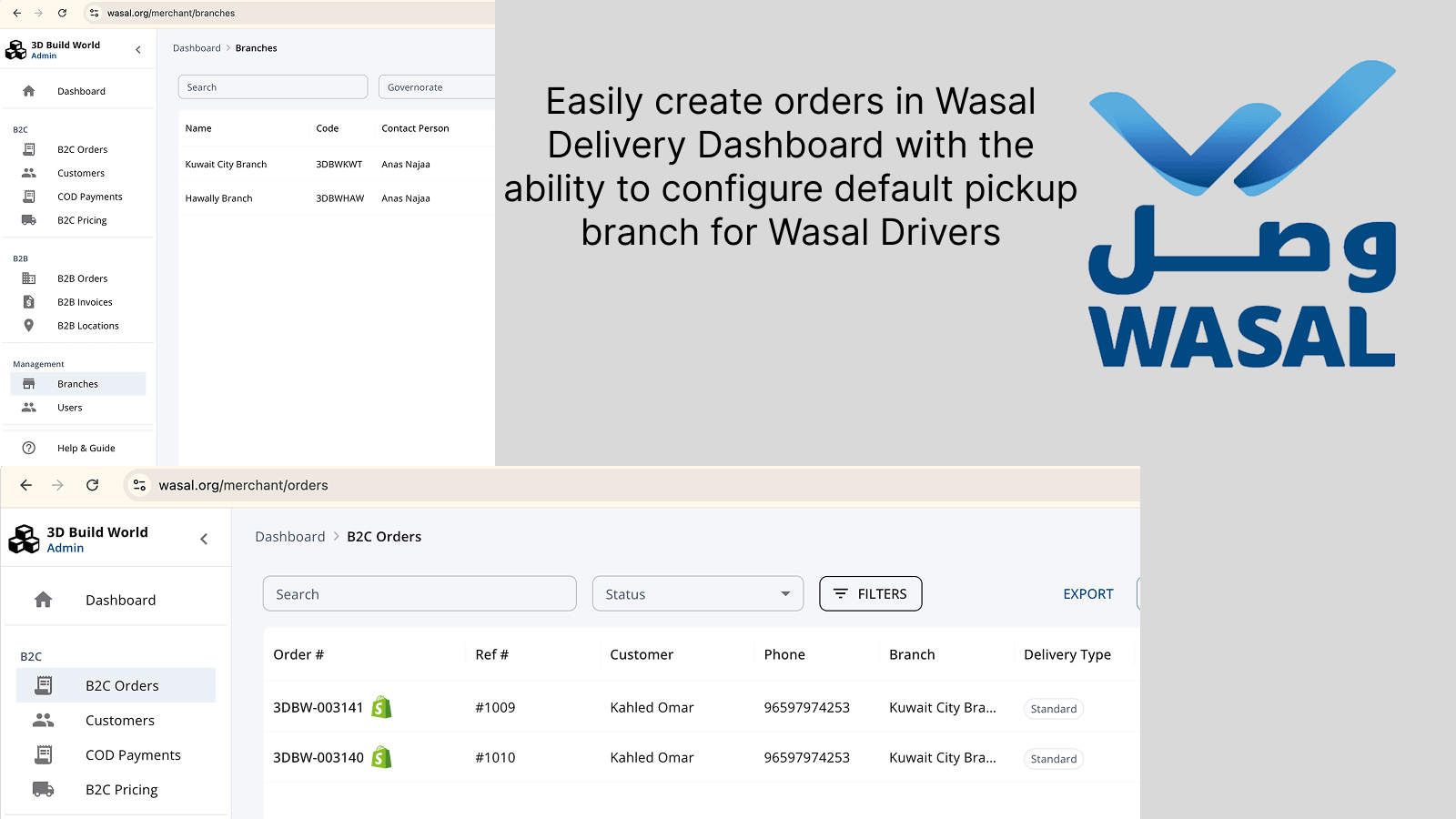
- Route imported orders to a selected merchant branch
- Save incomplete addresses as drafts for review before dispatch
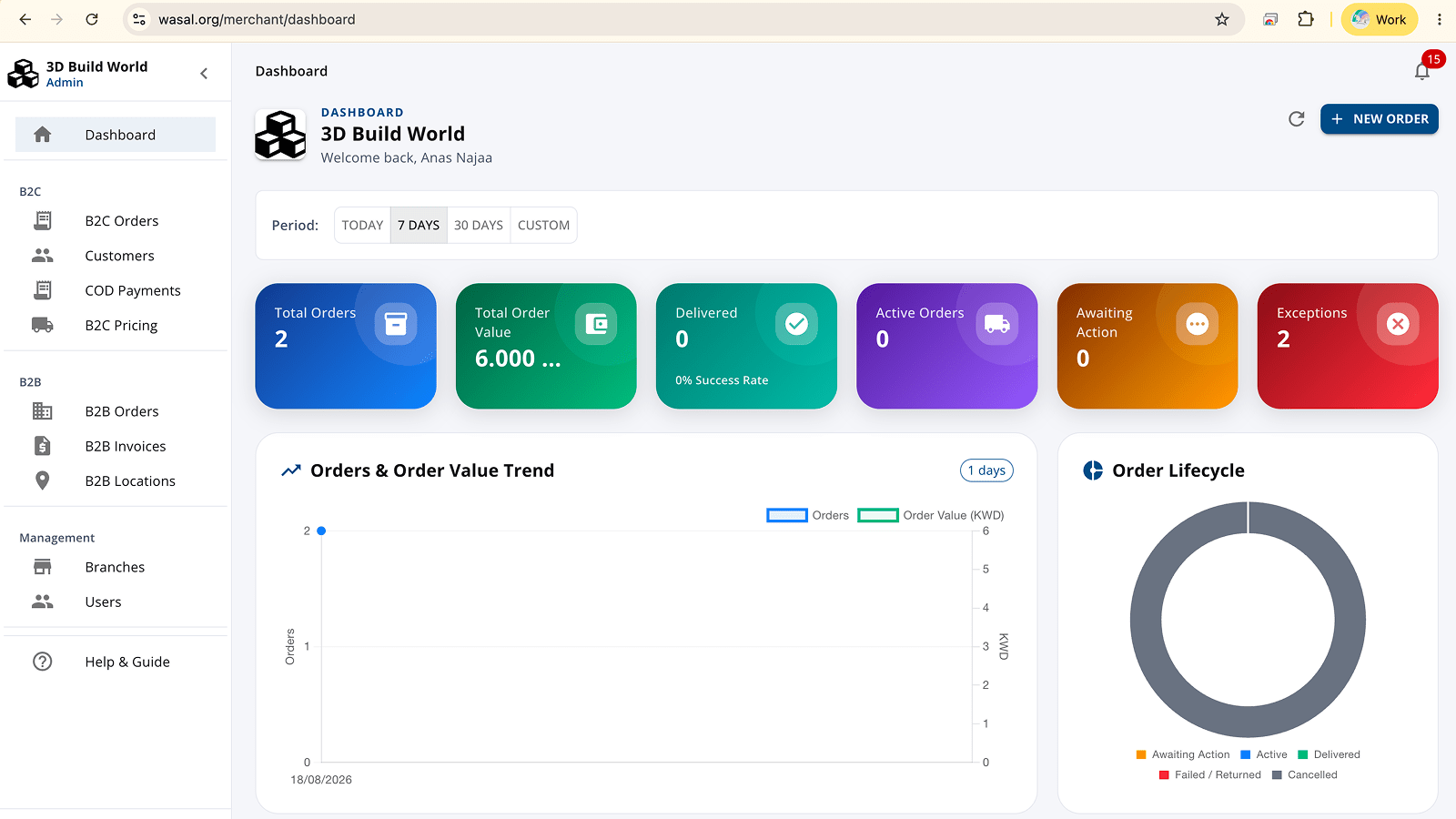
- Monitor import status and retry orders that need attention
After you install
- Sign in to the Wasal merchant dashboard as a merchant administrator.
- Open Settings → Shopify and connect your store domain.
- Approve the requested permissions in Shopify.
- Select a default branch and review the import options.
- New Shopify orders then appear in your Wasal orders list.
See it in action
Connect your store in less than a minute
The app is free to install. Wasal delivery charges are billed by Wasal separately from your Shopify invoice. Privacy policy